Supported formats
Every upload is a .zip. Inside it, use one of these formats.
A .ply file.
A single .sog file.
Streamed SOG: a lod-meta.json file with its chunk folders and .webp textures.
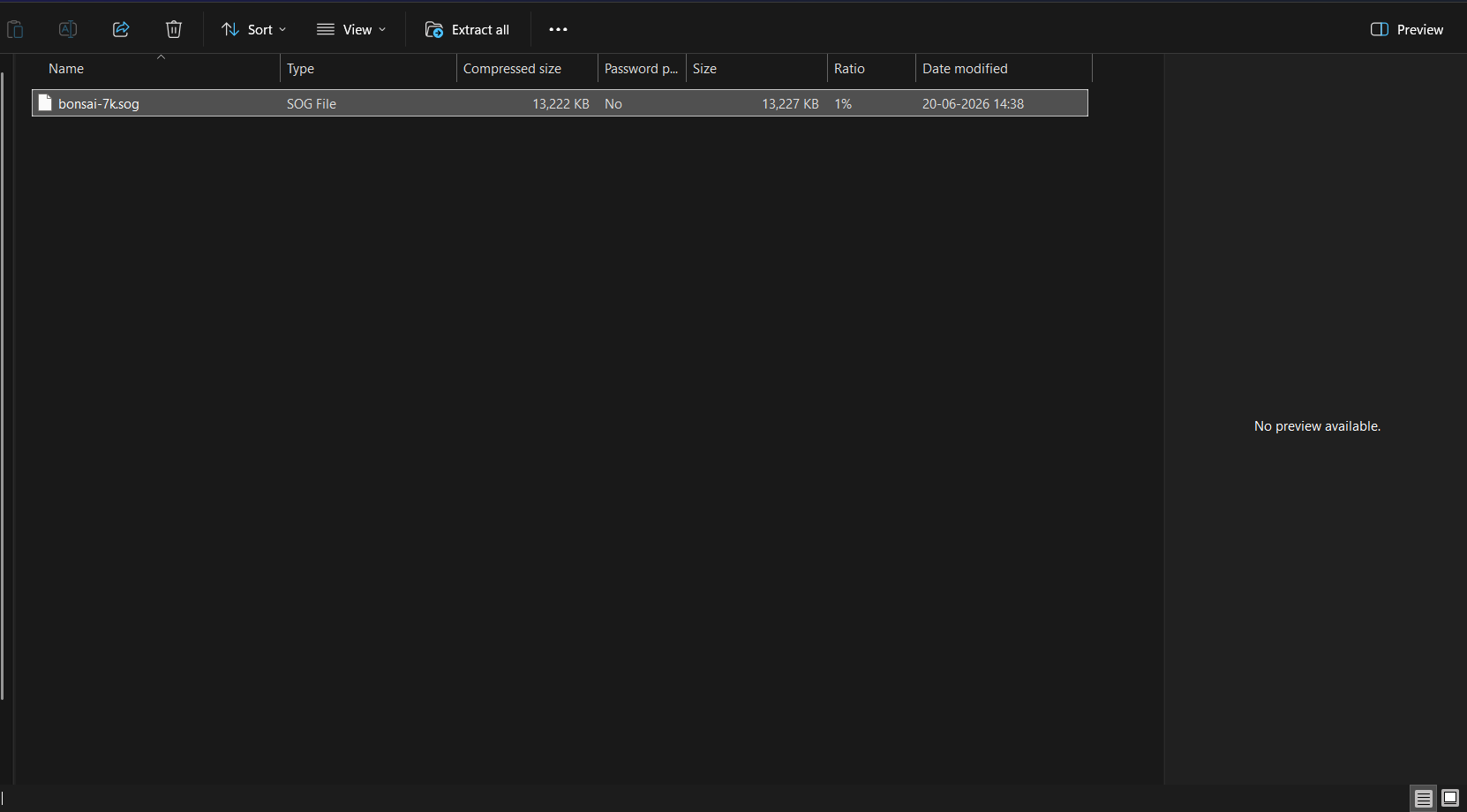
Put your 3D file at the top level of the ZIP, not inside a folder. For example, a ZIP with one SOG file:
In the dashboard, click Supported Extensions under Upload Splat to see this list.
Warning
.splat, .ksplat and .spz files are not accepted as they are. Convert them to .sog (recommended) or .ply first, then put the result in a ZIP.
Optional files
You can add these next to your model. All are optional.
| File | Use | Notes |
|---|---|---|
settings.json |
Background, effects and camera. | See Customize your 3D file. |
poster.png |
The preview image shown while the model loads. | Also .jpg, .jpeg or .webp. Up to 8 MB. |
skybox.jpg |
A skybox image. | Also .png, .jpeg, .webp. |
sound.mp3 |
Background sound. | Also .wav, .ogg, .m4a. |
A .glb file |
A collision mesh. | A name that contains collision is preferred. |
.voxel.json and .voxel.bin |
Voxel collision. | You need both files. |
Poster and initial view
A poster inside your ZIP is always used for the preview image. The Set Initial View button is then greyed out. See Initial view.
Limits and checks
- A poster larger than 8 MB is refused.
- If a ZIP cannot be used, nothing is saved and a message tells you why. See Troubleshooting.